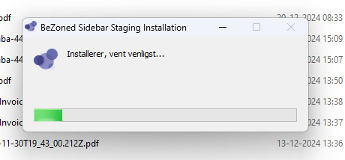


BeZoned Sidebar App installation

Install your BeZoned Sidebar App to see who’s at your table and connect with them instantly

BeZoned Graphics circle 1 BeZoned Graphics circle 1 BeZoned Graphics circle 1
What is it

BeZoned Sidebar App

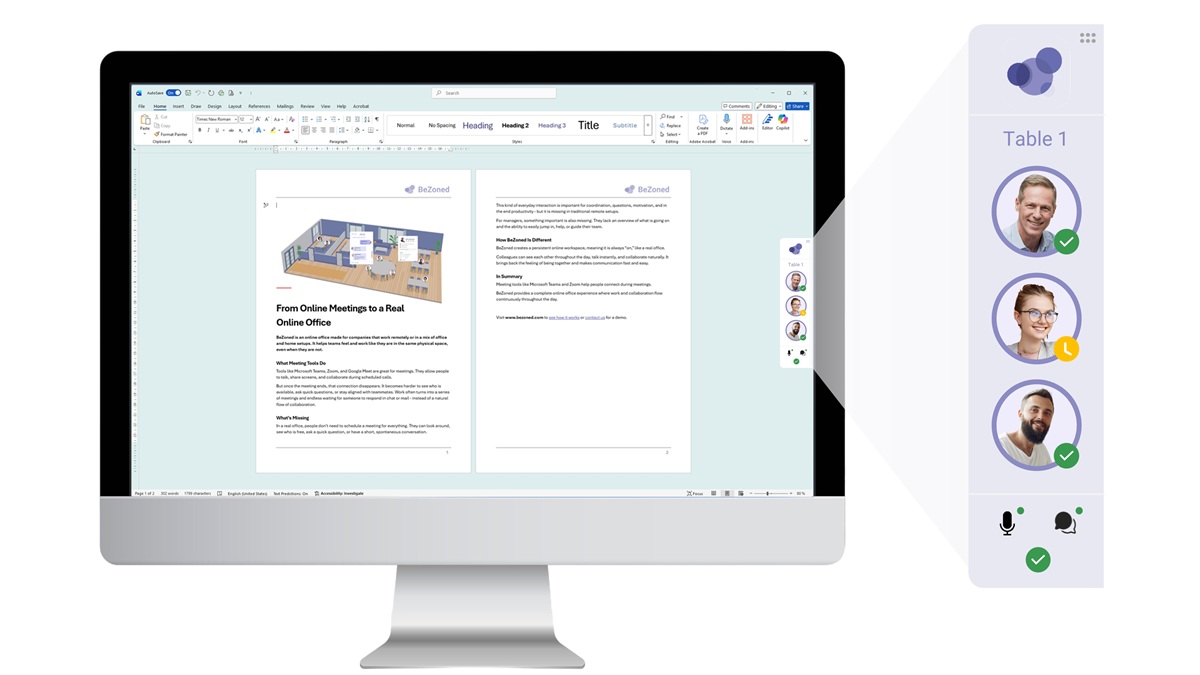
The BeZoned Sidebar App is a companion to the BeZoned online office in Microsoft Teams. It runs on your computer and tracks your position within the BeZoned office environment. Its main advantage is a small overlay window that always shows who is at your table, while also providing quick access to features like chat and calendars.

Another key benefit is the push-to-talk functionality, which works regardless of the application you’re using. For example, if you’re working on a document or presentation and hear your colleagues talking, you can simply press your assigned push-to-talk key to instantly join the conversation.

How to get it

Install now

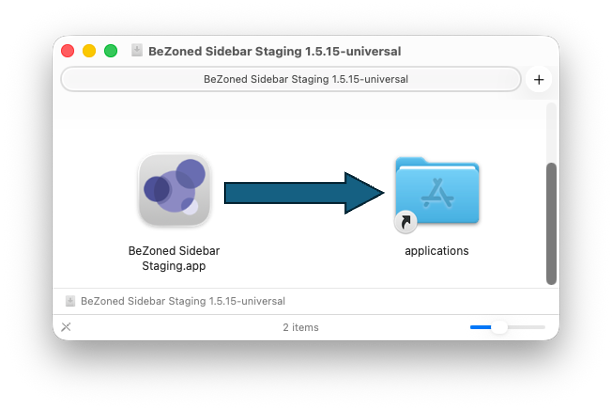
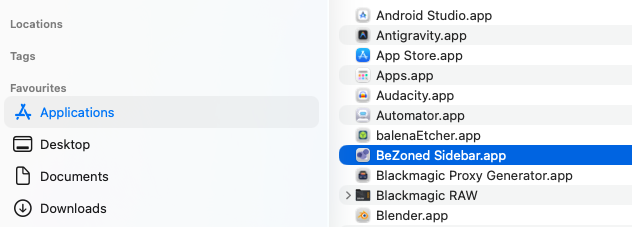
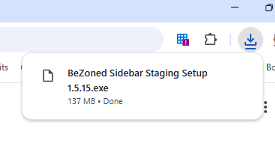
Depending on your operating system (Mac or Windows), click the appropriate download link and run the installer. Then simply follow the on-screen instructions—the setup process is quick and straightforward.

Windows installation: here

Mac installation: here

Any Questions?

Don’t hesitate to contact us if you have any questions - we’re always here to help!
Contact